Cash sale
When a walk in customer buys materials at the counter and pays cash now.
Ring a walk in cash sale
- Check the Counter Till header: when the register is open, the button reads End Session.

- Open Items, type the product name or code in the search box, and click Add (or click the matching product row).
- Type the amount in the quantity box on the line.
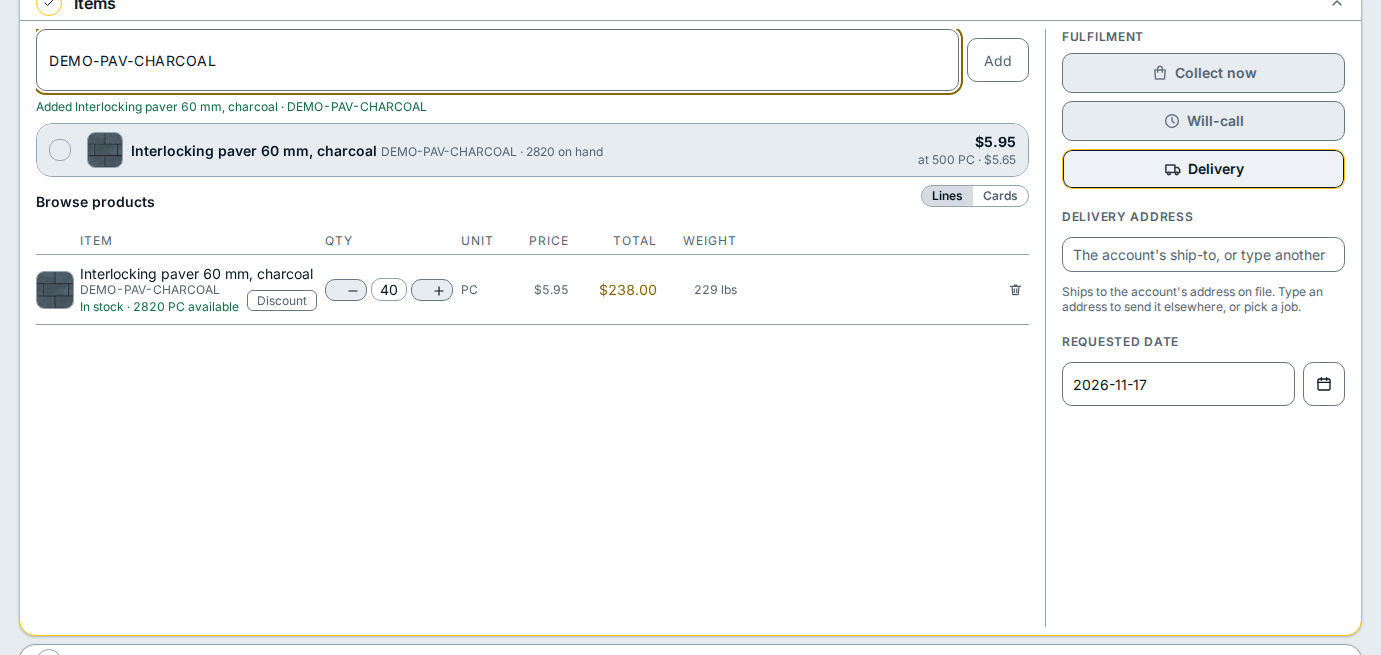
- Open Payment.
- Keep Pay in full now selected, and click Cash.
- Type the dollar amount the customer handed you in the cash tendered box.
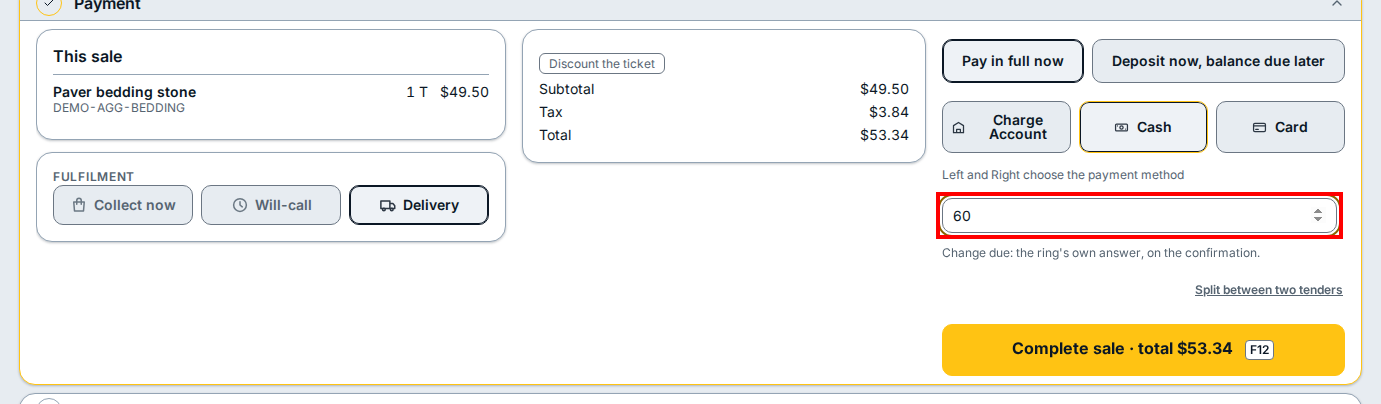
- Click Complete sale · total to finish the sale. The change due shows on the confirmation card after you click Complete sale · total.
If you see this
- The register session is closed. Open a session to scan and sell. Click Open Session in the header before searching for items.
- If the complete button tells you to open the session first, click Open Session in the header, then click Complete sale · total.