Sending a run
When a truck's stops are staged and ready to leave your yard.
Dispatch the truck
A run sends only when every stop on it is staged by the yard team.
- Find the truck card (such as
TRK-1on#RUN-PLM-1) under Trucks on the Load board, and check that the card reads Ready to dispatch. - Click Dispatch truck on the Load board truck card (or click Dispatch on the run header on the Day board).
- Check the confirmation question naming the truck, the driver, and the stop count.
- Click Send the run.
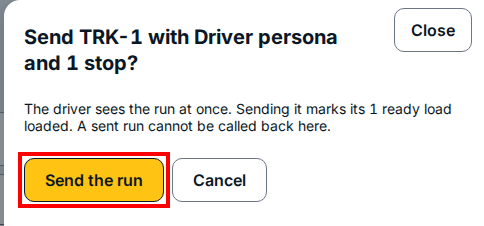
Once you click Send the run, the driver sees the run in Drive right away and its ready loads move to loaded. A sent run cannot be called back from this dialog.
If you see this
- The truck will not dispatch yet. At least one stop on the run has not been staged by the yard team. Wait until every stop on the run is staged, then send the run.
- This load is dispatched. It is a record now, not a plan. The run has already been sent out to the driver.