Putting a sale on a truck
When you have an open truck and want to assign an unassigned delivery to its run.
Assign from the Load board
- Find the customer's delivery card under Unassigned deliveries on the Load board.
- Click Assign on the delivery card.
- In the Assign delivery dialog, click the run (such as
#RUN-PLM-1onTRK-1) that has enough free capacity for the order.
Assign from the Day board or second screen
- Switch to the Day board tab (or look at the Day board on the second screen).
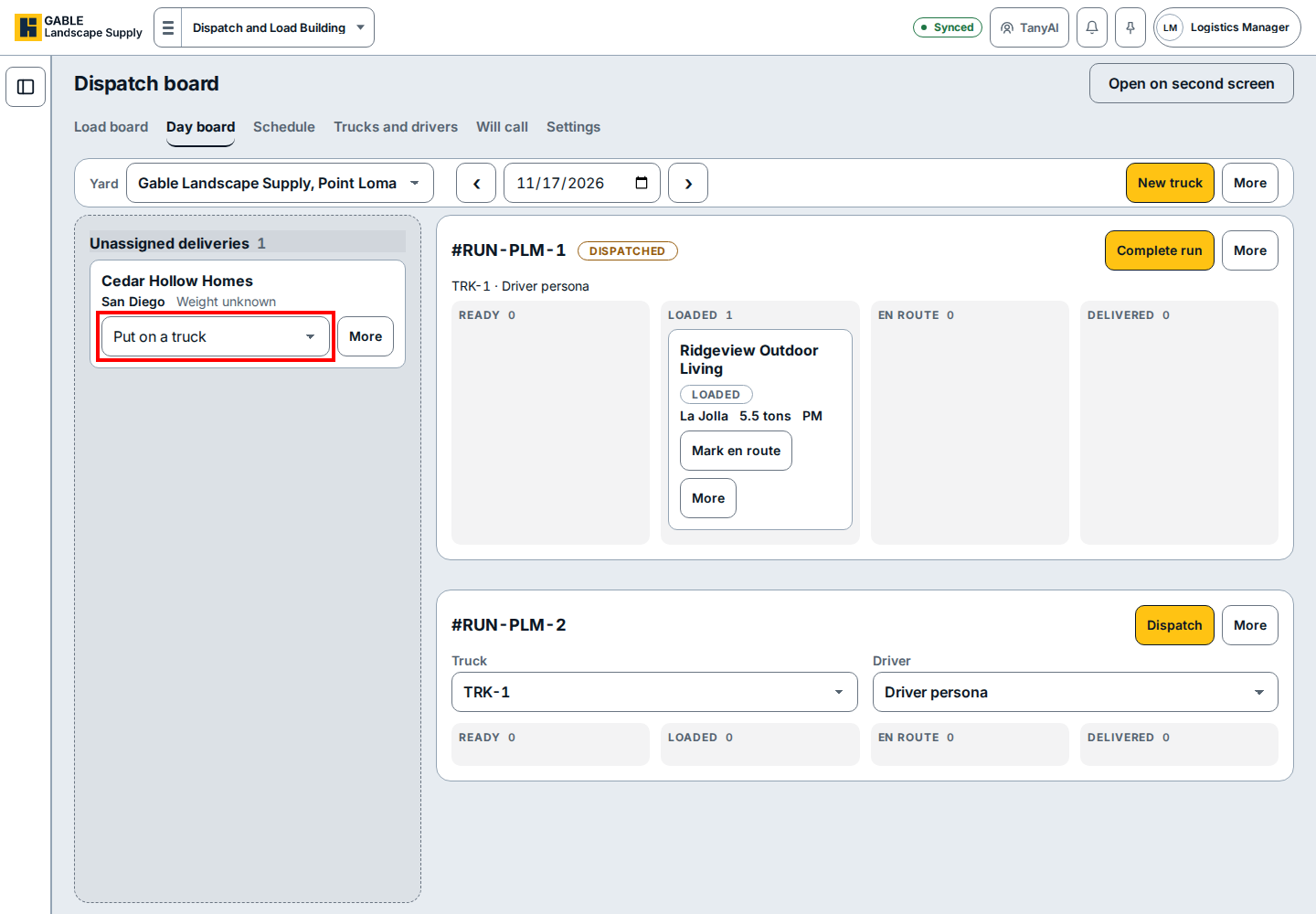
- Find the customer's card under Unassigned deliveries on the left.
- Click the Put on a truck box on that card and pick the open run to move the order onto that truck.
If you see this
- No deliveries on this truck yet. Use Assign on a delivery. The truck card is open and waiting for its first stop. Click Assign on a delivery card to put the order on the run.
- No runs listed in the Assign delivery dialog. Open a truck first so the board has a run to receive the stop. See Opening a truck.